Verification Step 3 – TIMSS mini-player
If you are having firewall difficulties, please review the
For the final test, launch the TIMSS mini-player on a device determined to be TIMSS-compatible to check that the mini-player runs properly. The TIMSS mini-player contains the student login screen and the student directions for the assessment. Please note that although the TIMSS mini-player is in English only, the assessment will be delivered entirely in French for students participating in the French assessment.
Please use the following link to launch the TIMSS mini-player:
The Student Login window will open, as shown in the next screenshot. Press F11 to activate full-screen mode. Use the following login credentials:

|
 |
| 99900041 |
27241 |
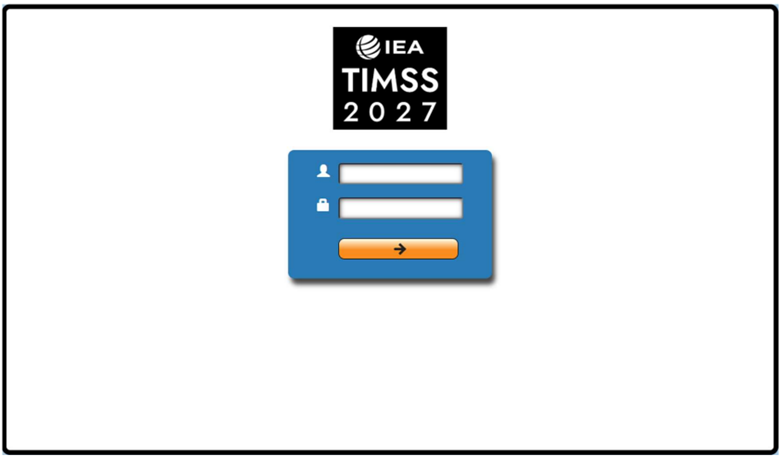
Click on the arrow button to continue.
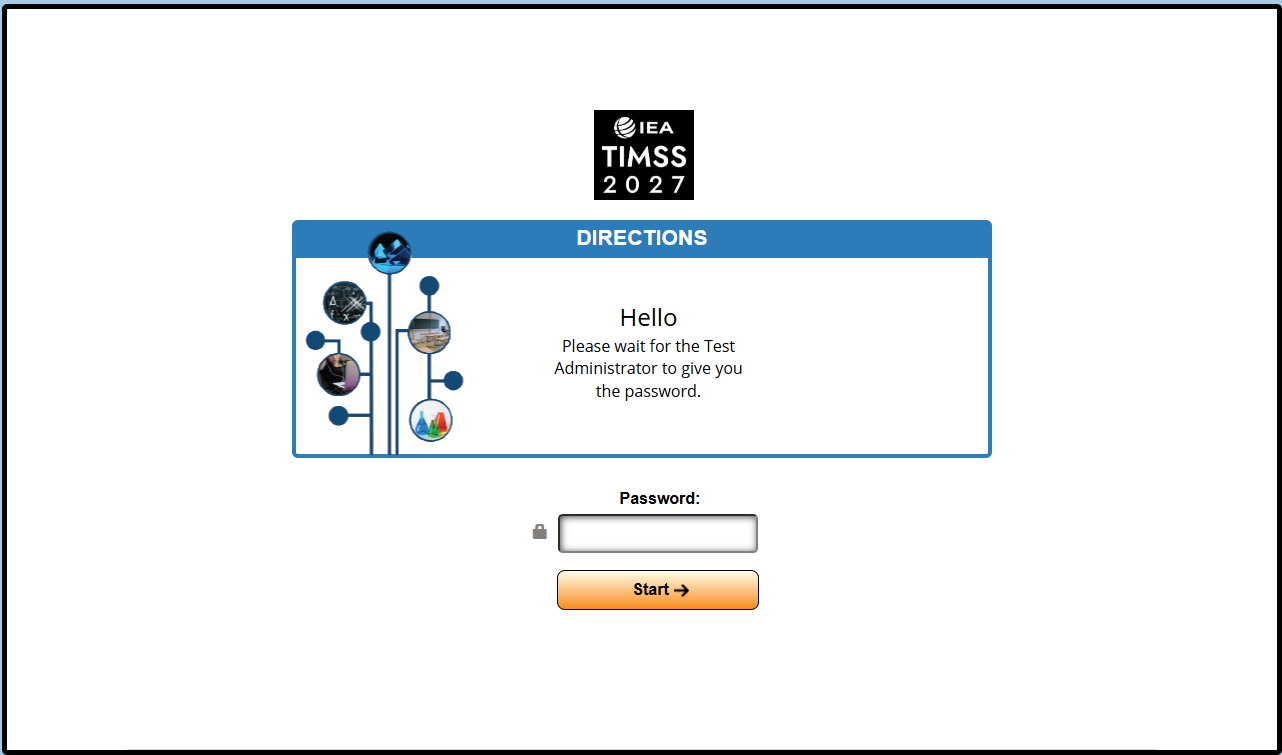
Once logged in, the Directions login window will open, as shown in the next screenshot. Enter
0000 as the Password and click on the Start button to continue to the Directions.
Move through the Directions by using the navigation buttons  and
and  at the bottom of the screen or by clicking on the question numbers in the bar on the left side of the screen.
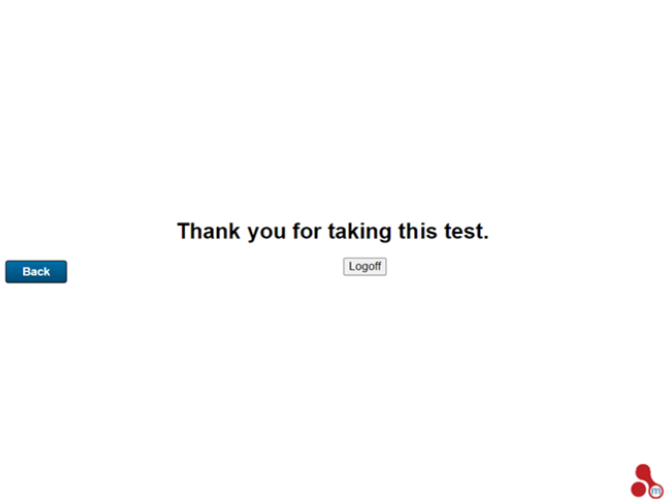
When you have progressed through all of the Directions content, you will see a “Logoff” web page, as shown in the next screenshot.
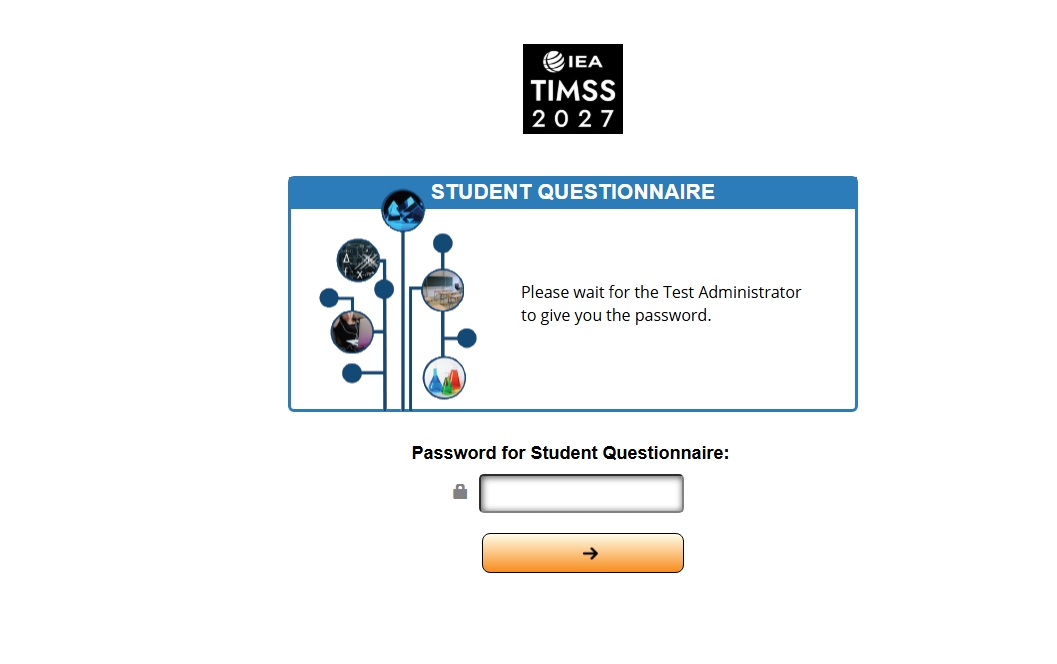
The program will display the Student Questionnaire Login Screen. Please enter password 1451 and click on the arrow  button to move forward.
On the next screen, click on the arrow button to continue, as shown in the next screenshot.
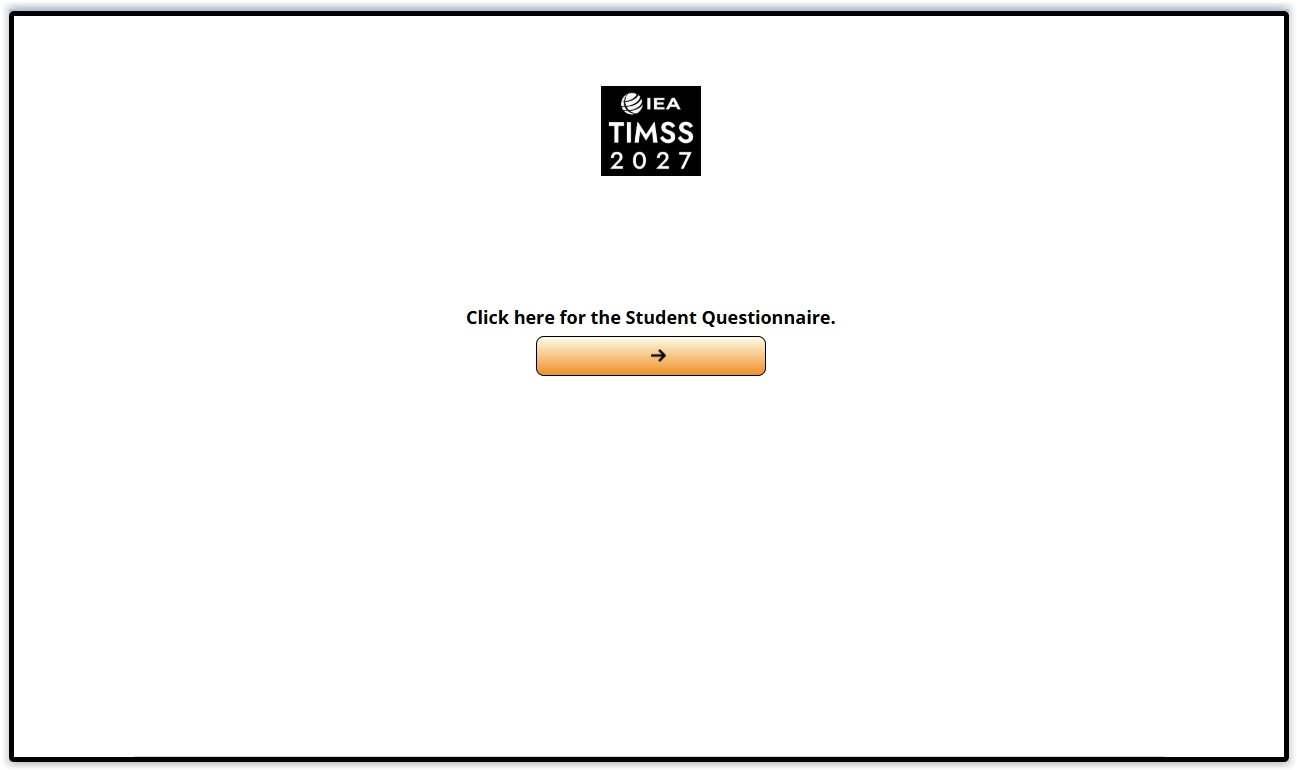
The program will connect to the compatibility test of the Student Questionnaire, as shown in the next screenshot. Click on the Play  button.
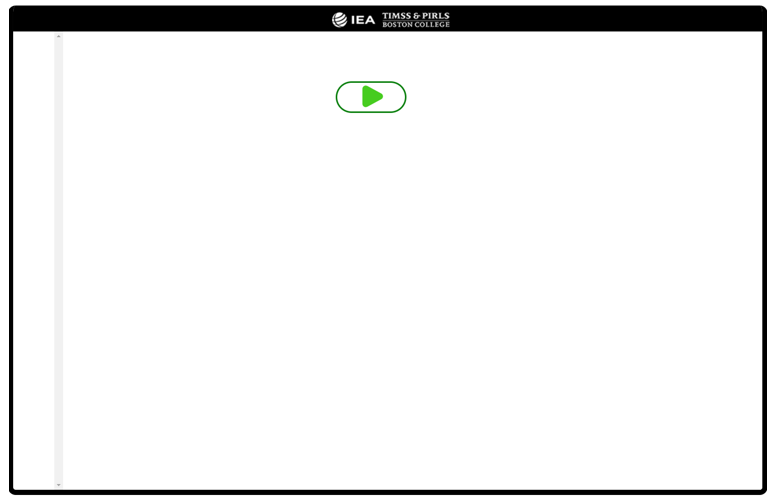
If the window displays a:
| “This site can’t be reached” message |
The device might not be connected to the internet or the connection to the test server is being blocked by the firewall. |
 Green check mark Green check mark |
The Student Questionnaire player is compatible. |
 Red X symbol Red X symbol |
The device may have lost internet connection while the test was running. |
 Loading symbol Loading symbol |
If this symbol is displayed for more than two minutes, the internet connection may be poor or the internet speed is too slow. |