Troubleshooting the TIMSS Player
Login not working?
Common reasons:
- Credential typed incorrectly
- Credentials were used previously for another student, this symbol will appear:

If this happens, the system enforces a 2-minute delay before a retry. If the login is still not working, the access may have expired. Once logins have been used, they expire after 48 hours.
TIMSS Player closes, crashes, or browser accidentally closed
If the TIMSS Player crashes or a student accidentally closes the browser, the player should be launched again by using the timss.ca/test URL along with the same User ID and password as previously used.
Part of the Assessment Window is Cut Off
If part of the assessment cannot be seen or accessed, the zoom settings in the browser may need to be adjusted. For Windows devices and Chromebooks, click Ctrl and + to zoom in or Ctrl and – to zoom out.
Can't access Student Questionnaire?
Students continue by clicking the on-screen arrow button to access the Student Questionnaire.
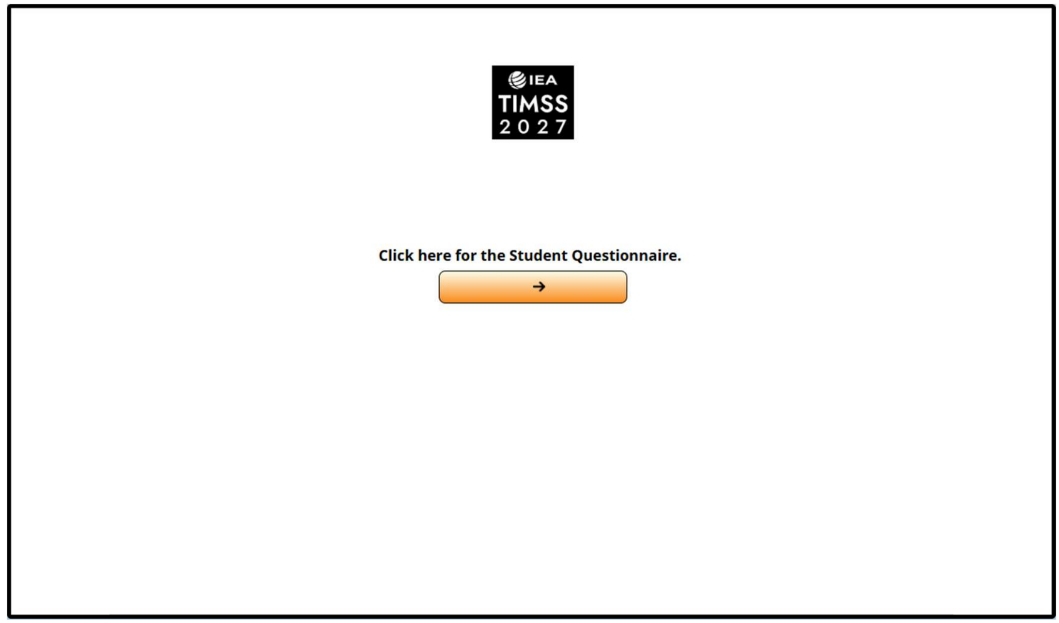
In case of difficulties, students may use the following link to access the questionnaire: