D. Device and Internet Verification
The PCAP System Check outlined below must be performed on the devices that students will be using.
Whitelist Domains
It is important that schools whitelist all the domains listed below and all subdomains in these domains. PCAP will use these domains and subdomains for the assessment, so they should all be marked as trusted.
Whitelist the following domains:
- pcap-ppce.vretta.com
- https://multiplex-api.vretta.com/
- https://fonts.googleapis.com
- https://s3.ca-central-1.amazonaws.com
- https://d3f6c695rnoy7r.cloudfront.net
- https://d3azfb2wuqle4e.cloudfront.net
- https://cdnjs.cloudflare.com
- https://fonts.gstatic.com
- https://firebasestorage.googleapis.com
- wss://mqvurtmevc.execute-api.ca-central-1.amazonaws.com
- https://www.wiris.net
- https://svc.webspellchecker.net/spellcheck31/api
Confirm Device Requirements
PCAP is accessed online through the LockDown Environment.
The minimum device requirements are as follows:
|
Electronic Device Type
|
 |
 |
 |
 |
|
|
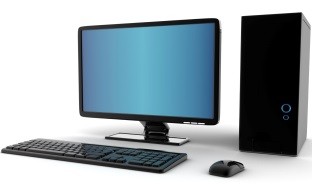
Microsoft PC
|
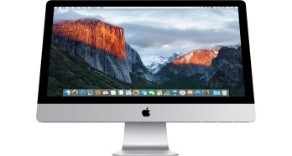
Macintosh (Mac)
|
Chromebook
|
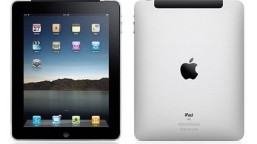
iPad
Keyboard mandatory
|
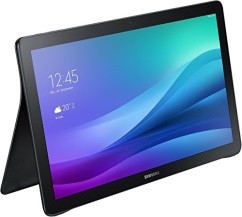
Android (tablet)
Keyboard mandatory
|
|
Operating System
|
Windows 7, 8.1, 10, and 11
|
OSX 10.13.6 High Sierra or higher
|
ChromeOS 62+
|
iOS 7+
|
Android 6.0+
|
|
Minimum Screen Size
|
11.6-inch diagonal
|
10.9-inch diagonal
|
10-inch diagonal
|
|
Supported Browsers
|
Google Chrome–
version 62.0 to latest
Firefox–version 78.0 to latest
Microsoft Edge–version 80.0 to latest
|
Safari–version 10.1 to latest
Google Chrome–
version 62.0 to latest
Firefox–version 78.0 to latest
|
Google Chrome–
version 62.0 to latest
|
Safari–
version 10.1 to latest
|
Google Chrome–
version 62.0 to latest
|
Students may use their own electronic devices (Microsoft or Mac computers) to participate in PCAP, if such usage aligns with your school board/district policy. If students will be using their own electronic devices, ask students to install the LockDown Environment on the applicable device before assessment day.
If there are no compatible devices at the school, CMEC will send up to 25 laptops for the school to administer the assessment.
Additionally, if no internet access is available within your school, CMEC will send a portable wifi device to enable an internet connection (in such cases, the school needs to be located in a region with cellular coverage).
The school contact may be requested to change the assessment date depending on laptop and/or portable wifi device availability.